
you@yourdomain.com). You need to verify ownership of the domain by adding specific DNS records provided by Nuntly.
You need a Nuntly account and access to the DNS settings of the domain you want to use. If you don’t own a domain yet, register one through any
domain registrar.
Create a sending domain
1
Go to domains
In the dashboard, go to Domains.
2
Open the creation form
Click Add Domain.
3
Add your domain
Enter your domain name (for example, 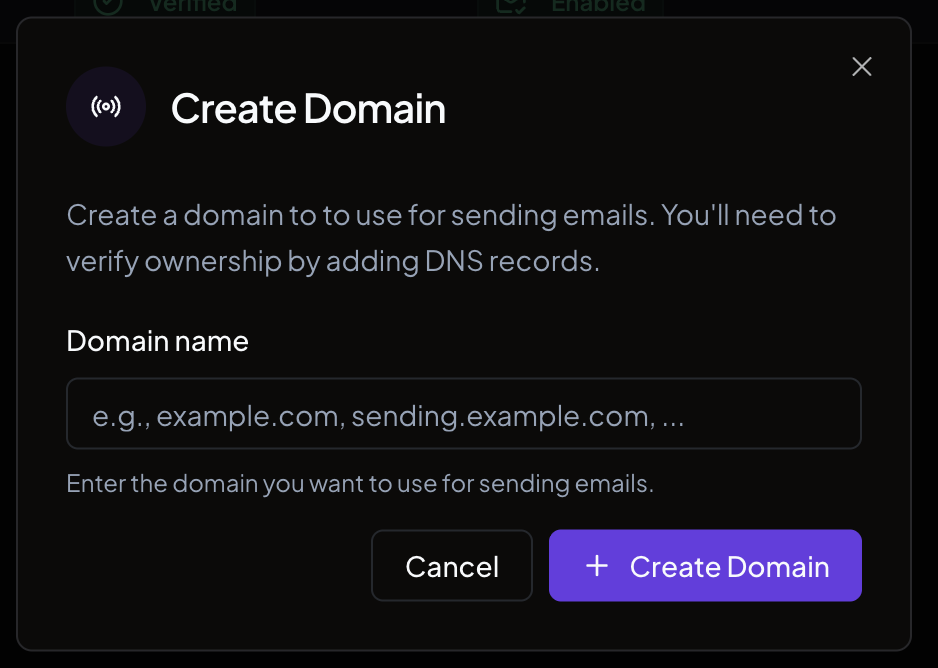
example.com or sending.example.com) and click Add Domain.Configure DNS records
Nuntly generates four types of DNS records that you need to add to your DNS provider:DMARC is recommended but never required to verify your domain. Nuntly suggests a
p=none starting policy, and you are free to publish a stricter policy (p=quarantine or p=reject) with a reporting address. A stricter DMARC policy never blocks domain verification.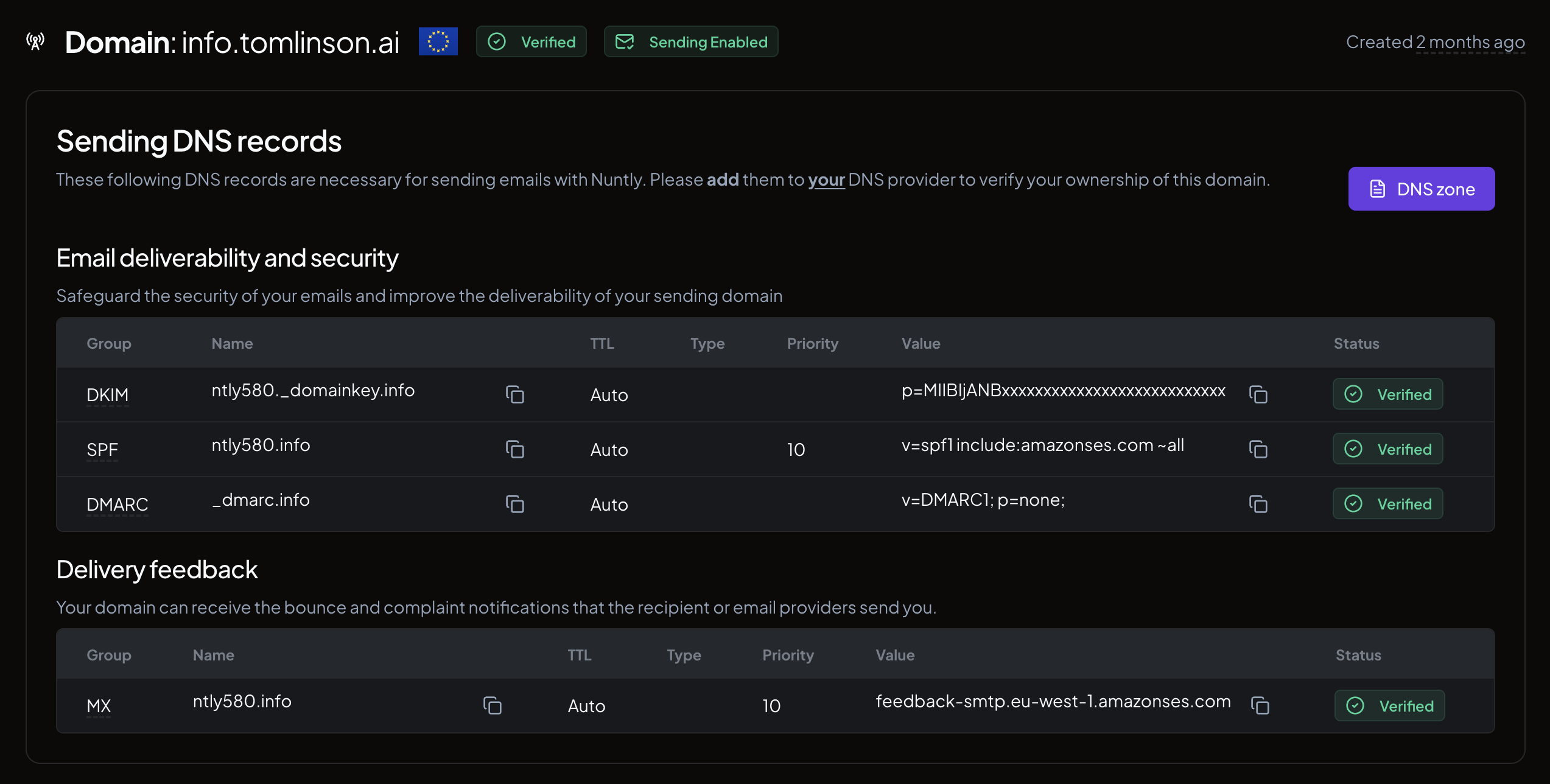
Add records manually
For each record in the table, copy the Name and Value fields and add them as new DNS records in your provider’s control panel. The exact steps depend on your provider. Refer to their documentation for instructions.Import via zone file
If your DNS provider supports zone file imports, you can add all records at once:1
Open the DNS zone
On your domain detail page, click the DNS zone button.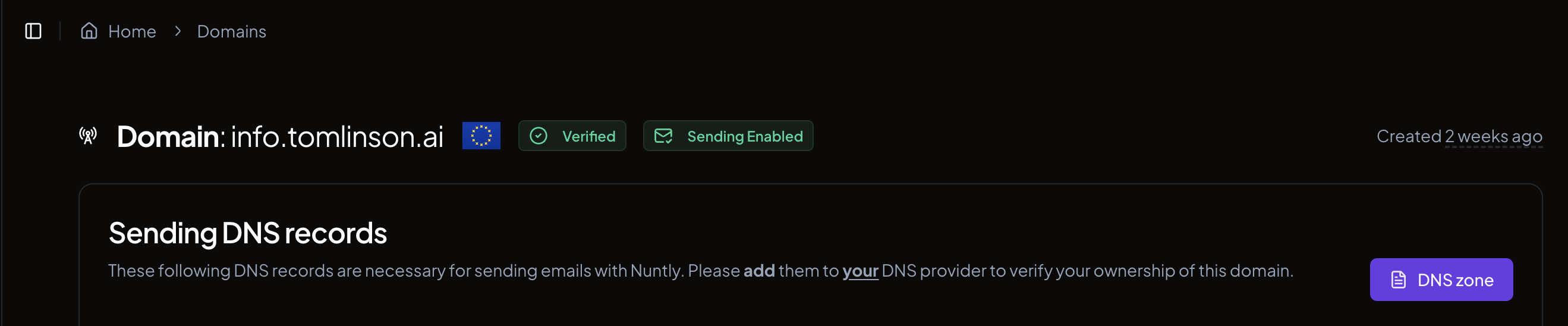
2
Copy or download the zone file
Copy the zone file content or click Download Zone File to save it as a 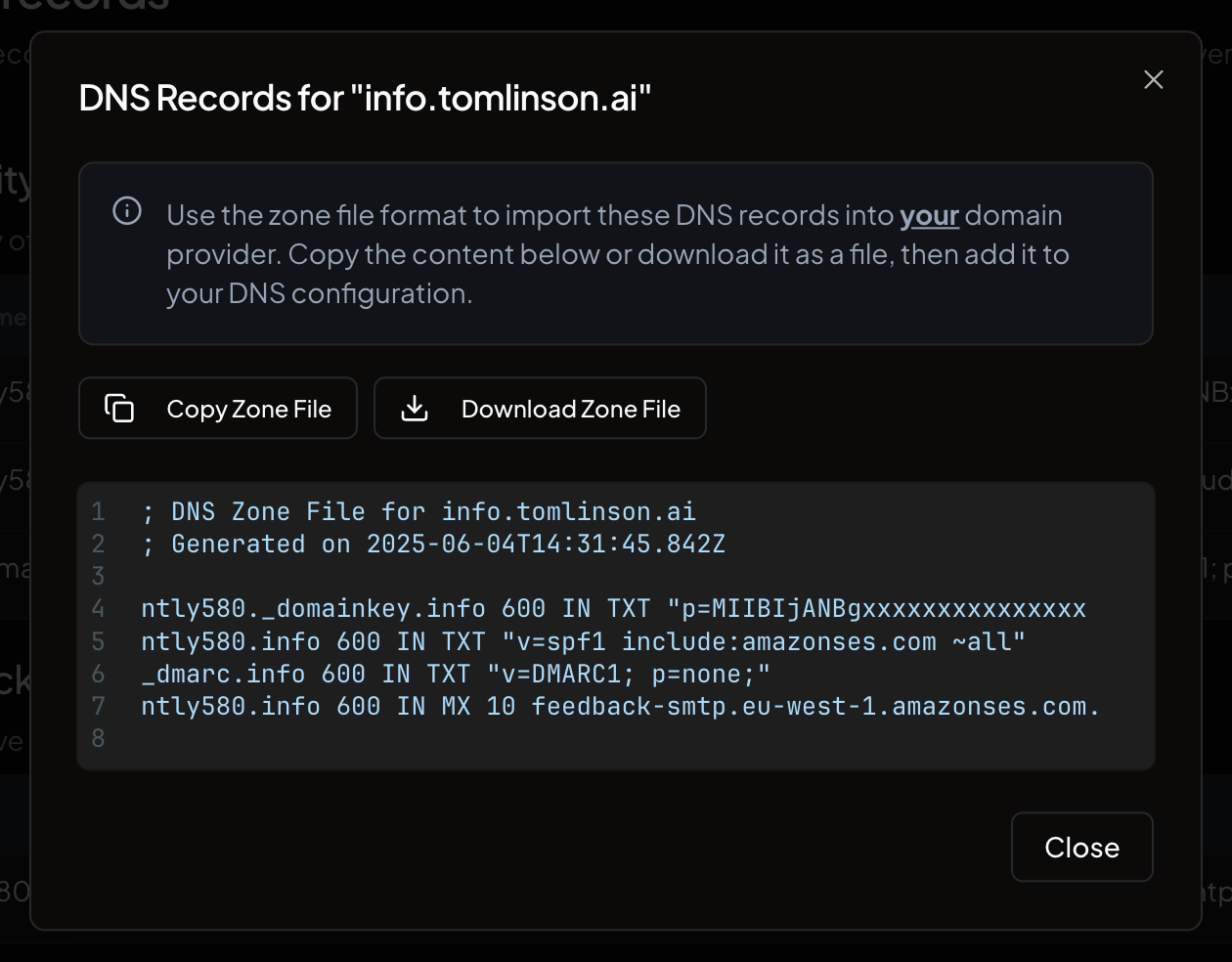
.zone file.3
Import into your DNS provider
Import the file into your DNS provider.
Configure via MCP
You can also set up your sending domain using the Nuntly MCP server, which allows you to manage domains through natural language commands. See the guide: Supercharge your email stack — natural language automation with Nuntly MCP server.Domain verification
After you add the DNS records, Nuntly automatically checks for propagation. The status badge on your domain page updates as verification progresses. DNS propagation can take anywhere from a few minutes to 48 hours depending on your provider.Enable open and click tracking
Once your domain is verified, you can track recipient engagement. Go to your domain detail page and toggle the switches under Measure engagement:- Open tracking. An event is emitted when the recipient opens your email.
- Click tracking. An event is emitted when the recipient clicks a link in your email.
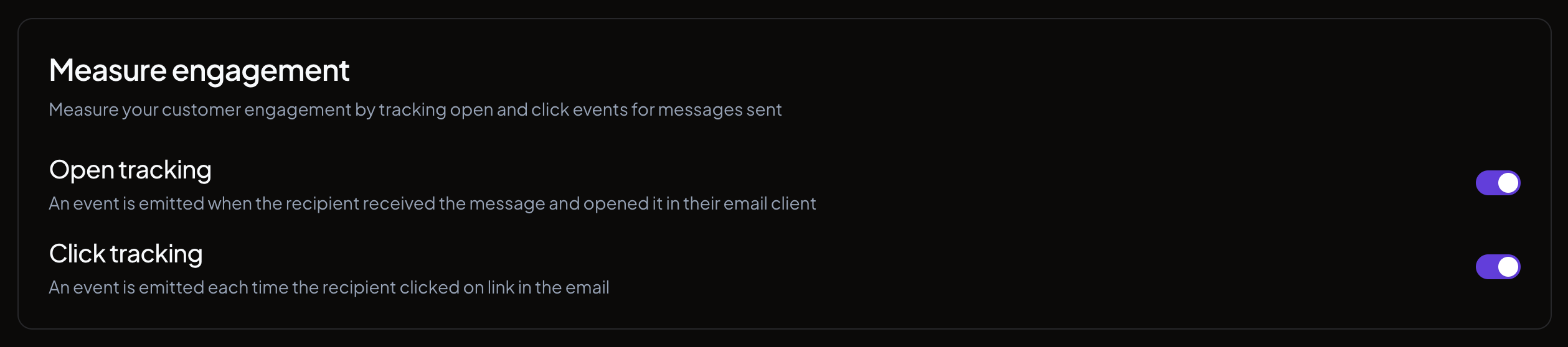
Tracking toggles are only available after your domain is verified.
Troubleshooting
Domain is stuck in pending verification Check that the three required DNS records (DKIM, SPF, MX) have been added correctly. Compare the Name and Value fields from the dashboard against what is configured in your DNS provider. Some providers require you to remove trailing dots from record names or values. DMARC is optional and never blocks verification, so a missing or stricter DMARC record is not a cause of stuck verification. DNS records are correct but verification hasn’t completed DNS changes can take up to 48 hours to propagate globally. If verification hasn’t completed after 48 hours and your records are correct, contact support.Learn more
SPF, DKIM, and DMARC standards
What RFC 7208, 6376, and 7489 actually define